
What Is the Deadlock Tier List Maker?
The Deadlock tier list maker is an online tool that allows players to rank every playable hero in Valve's multiplayer game Deadlock. Whether you want to compare the strongest characters, discuss the current meta, or simply create a fun ranking with friends, the Deadlock tier list maker provides an easy drag-and-drop interface for building your own personalized tier list.
Videos and Images of Deadlock tier list maker
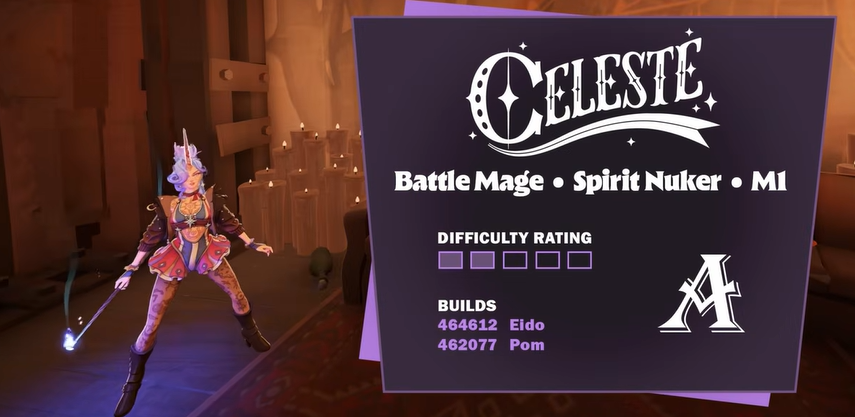
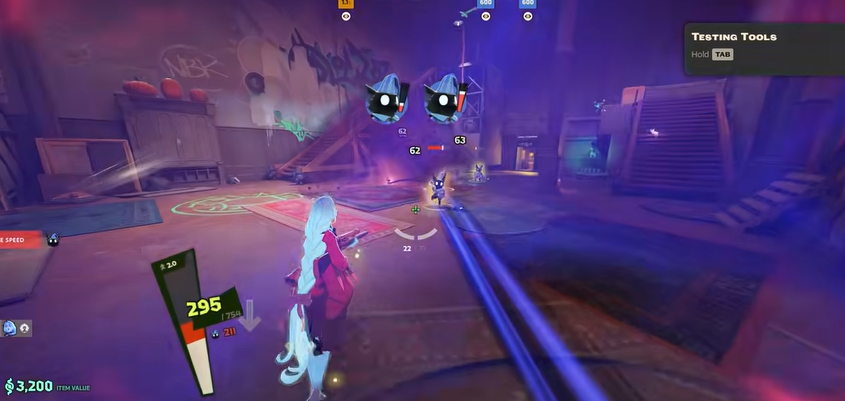
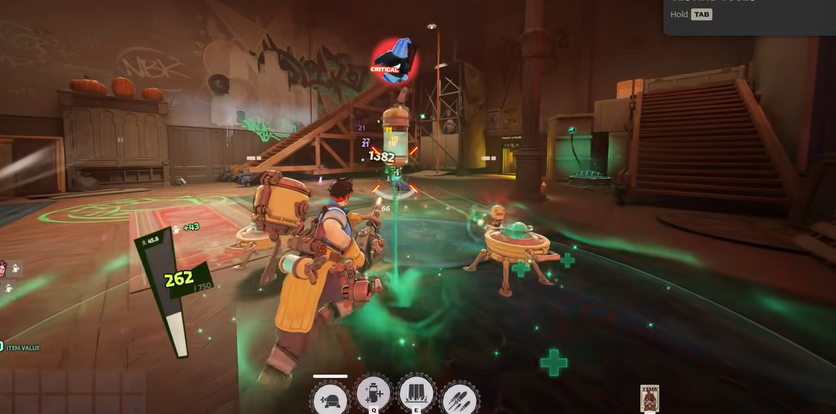
Deadlock Tier List Maker Features That Players Love
A detailed introduction about Deadlock tier list maker
Deadlock Tier List Maker S Tier Ranking Criteria
The highest level in the Deadlock tier list maker is normally reserved for heroes that consistently perform well across different matches and skill levels. These heroes usually combine high win rates with strong pick rates, making them reliable choices in most team compositions. Heroes such as Seven, Haze, Infernus, and other meta-defining characters are commonly discussed as S Tier candidates in the Deadlock tier list maker.
Deadlock Tier List Maker A Tier Ranking Criteria
Heroes placed in the A Tier of the Deadlock tier list maker are strong selections that can compete with the best characters but usually depend more on team composition, player skill, or specific matchups.
Deadlock Tier List Maker B Tier Ranking Criteria
The B Tier in the Deadlock tier list maker contains balanced heroes with competitive strengths and noticeable weaknesses. These characters are capable of winning games when played correctly, but they generally require better positioning, stronger game knowledge, or suitable teammates to reach their full potential. As balance updates arrive, several B Tier heroes often move into higher or lower rankings.
Deadlock Tier List Maker C Tier Ranking Criteria
Heroes placed in the C Tier of the Deadlock tier list maker are usually more situational. They may perform well against specific opponents or inside certain team strategies but struggle to maintain consistent results across a large number of matches.
How to Use the Deadlock Tier List Maker
A detailed features about Deadlock Tier List Maker
Choose Tier Names in the Deadlock Tier List Maker
Begin by selecting the tier structure inside the **Deadlock tier list maker**. The default layout includes S, A, B, C, and D tiers, but you can rename every row to match your own ranking system. Open the settings panel to edit tier names, change text colors, or create additional categories before placing any heroes.
Upload Hero Images in the Deadlock Tier List Maker
The next step in the **Deadlock tier list maker** is preparing the hero images. You can upload your own pictures or use the existing template images already available on the page. This allows you to start building a ranking immediately without searching for artwork elsewhere.
Organize Heroes with the Deadlock Tier List Maker
Once the images are ready, simply drag each hero into the appropriate tier inside the **Deadlock tier list maker**. You can freely move heroes between rows at any time, making it easy to compare different rankings after reading new statistics, community discussions, or patch notes.
Customize the Deadlock Tier List Maker Before Saving
The **Deadlock tier list maker** also includes several editing options on the side panel. You can change tier colors, clear all uploaded images, add new rows, delete unnecessary tiers, or adjust the layout before exporting the finished ranking.
Save and Share with the Deadlock Tier List Maker
After completing your ranking, click the Save button in the **Deadlock tier list maker** to download the final image. The exported tier list can be shared on X, Facebook, Discord, Reddit, or other social platforms, making it easy to compare opinions with other Deadlock players.
Deadlock Tier List Maker FAQ
Here are some of the most frequently asked questions.